Creating a Data Generation Job
Introduction
In this guide we will walk through how to create a data generation job. Data generation jobs are used to populate a database or datastore with freshly created synthetic data. Some usecases of data generation jobs are:
- Creating training data for machine learning usecases such as training a model
- Augmenting your existing database with more data for performance and scalability testing
- Generating data for demo environments
Creating a Data Generation Job
In order to create a data generation job:
- On the Jobs page, click on the + New Job button.
Screenshot pending re-hosting (Jobs page).
- Select the Data Generation job type.
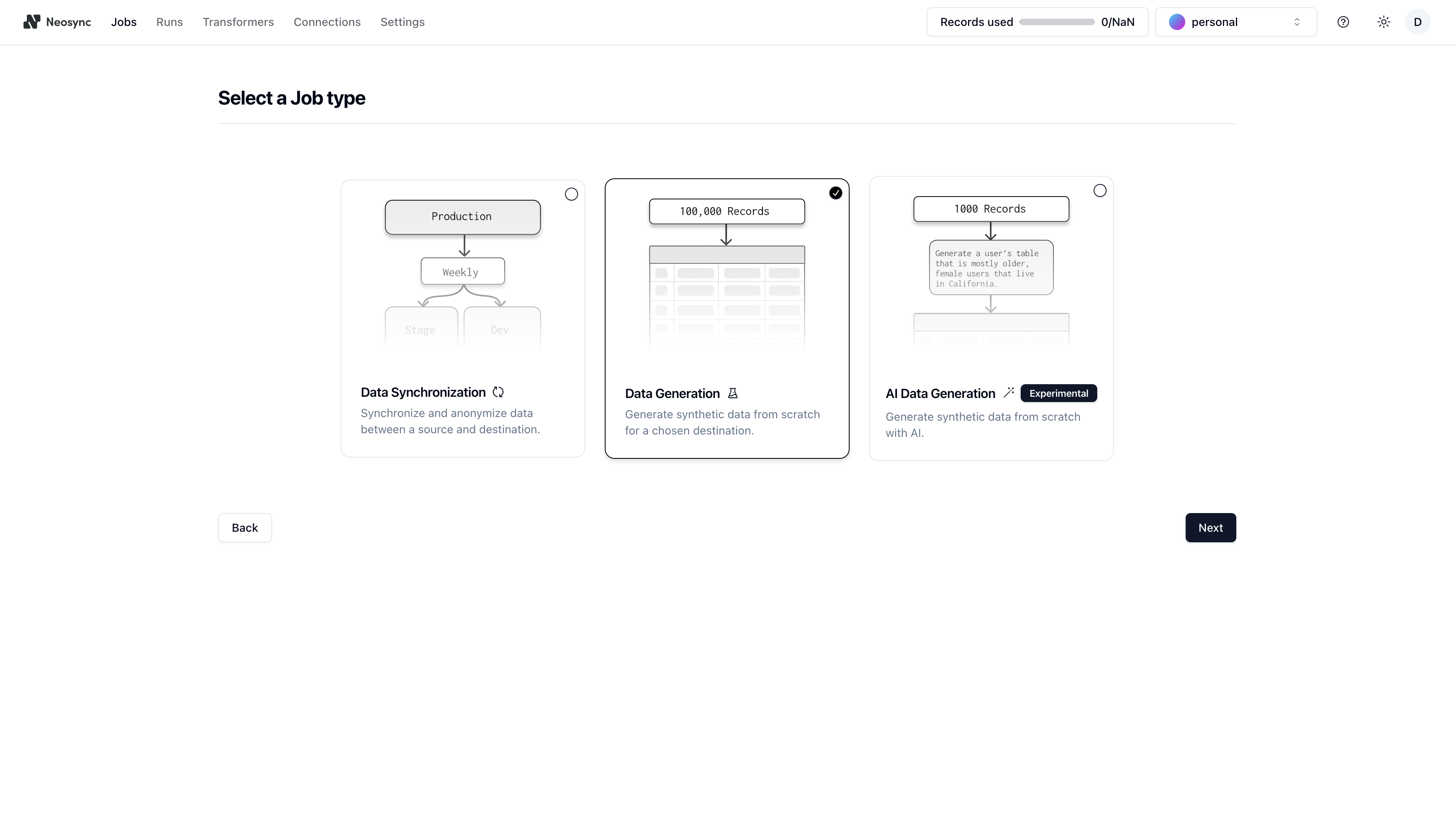
- Then give your job a Name. Next, if you want your job to run on a schedule, click on the schedule switch to expose an input where you can provide a cron string. Your job will run on this schedule. Lastly, activate the Initiate Job Run switch if you want to immediately trigger a single job run once the job is completed. Click Next once you're ready.
Screenshot pending re-hosting (new data gen job define step).
- Select your destination(s) connection. You may also configure your destination with the provided configuration options.
Screenshot pending re-hosting (new data gen job connect step).
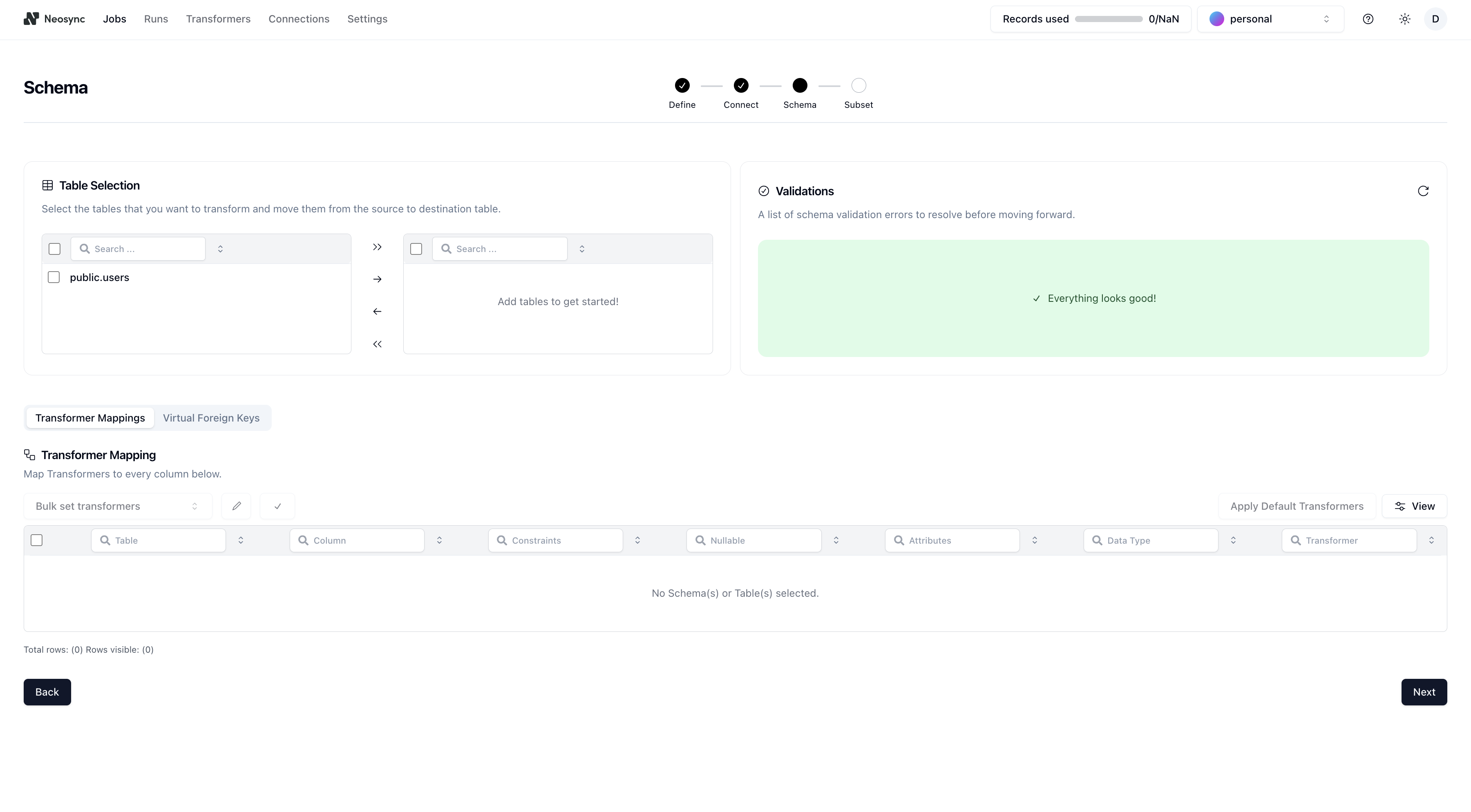
- Next is the Schema page. Here you can select how you want to transform your tables and columns with Transformers. Select your schema and the table you want to transform and then the number of rows you want to generate. There are a number of transformers that Vydon ships with out of the box or you can create your own custom transformer. Once you're done, you can click Next.
- Congrats! You successfully created a job. From here, you will be taken to the Job Details page where you can pause, resume, run or update the job you created.